
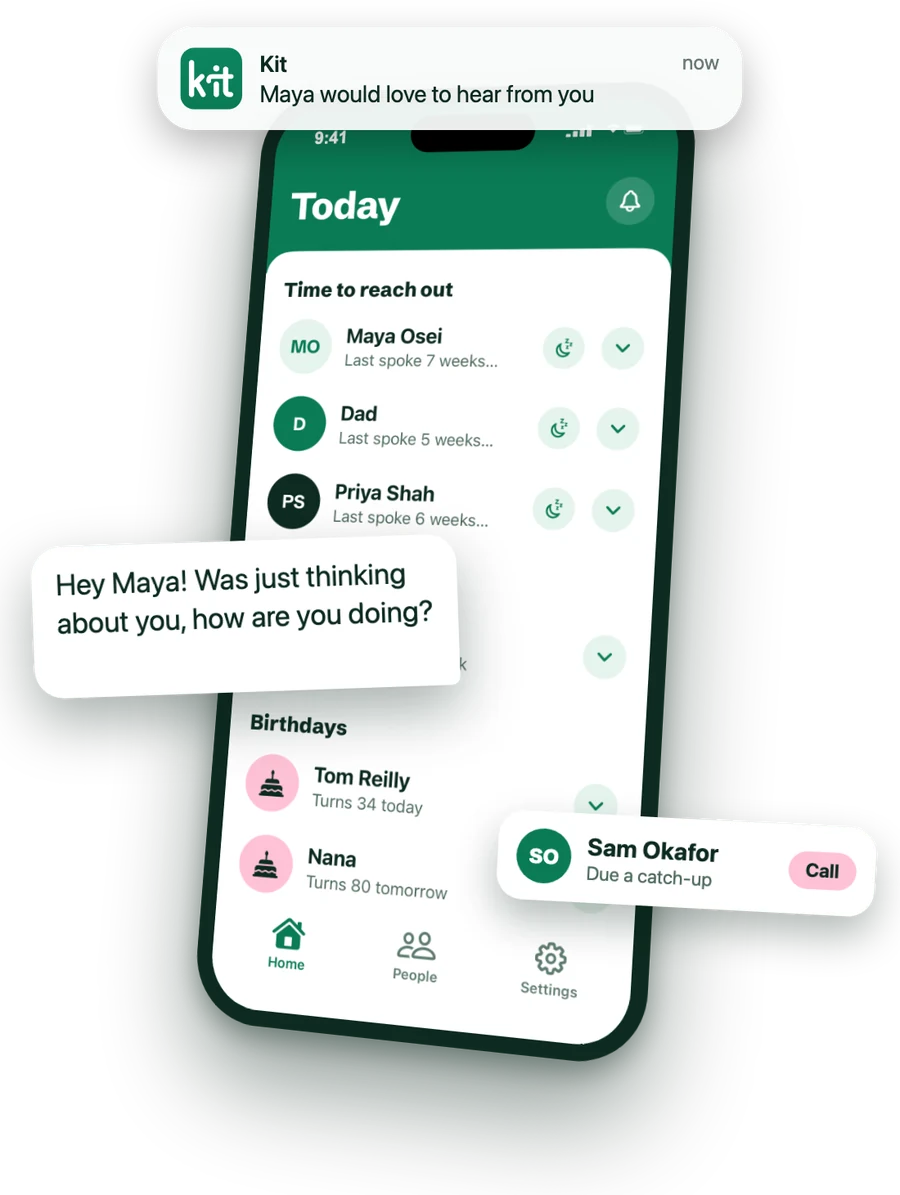
Don't let life get in the way
Work gets busy, weeks turn into months, and the longer it's been, the harder it feels to send a message. Kit reminds you while it's still easy, and writes the first line so you're not starting from nothing.
How it works
-
Add your people
Pick them from your contacts, then choose how often to catch up with each person, from every day to once a year.
-
Get a reminder when it's time
When it's been a while since you spoke, Kit lets you know at the time you choose. Birthdays too, on the day.
-
Text them in one tap
Kit opens WhatsApp or Messages with a hello ready to edit, and logs the catch-up for you: "Hey Maya! Was just thinking about you, how are you doing?" Calls are one tap too.
What Kit does
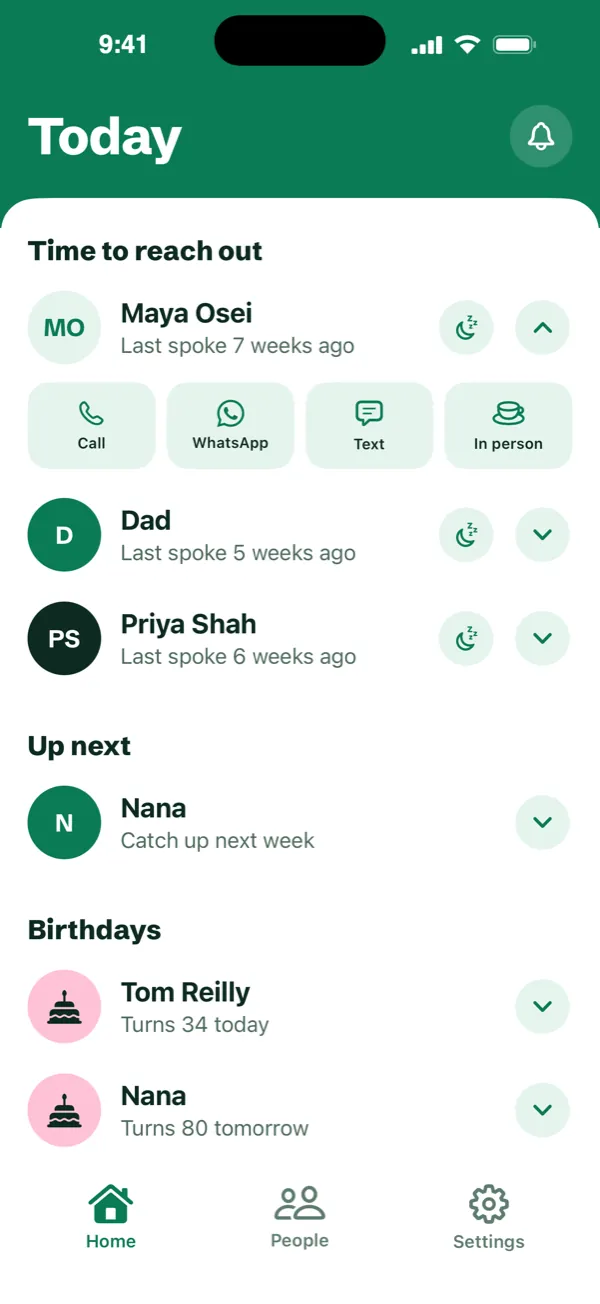
Text them in one tap
Opens WhatsApp or Messages with a hello ready to edit, and logs the catch-up for you.
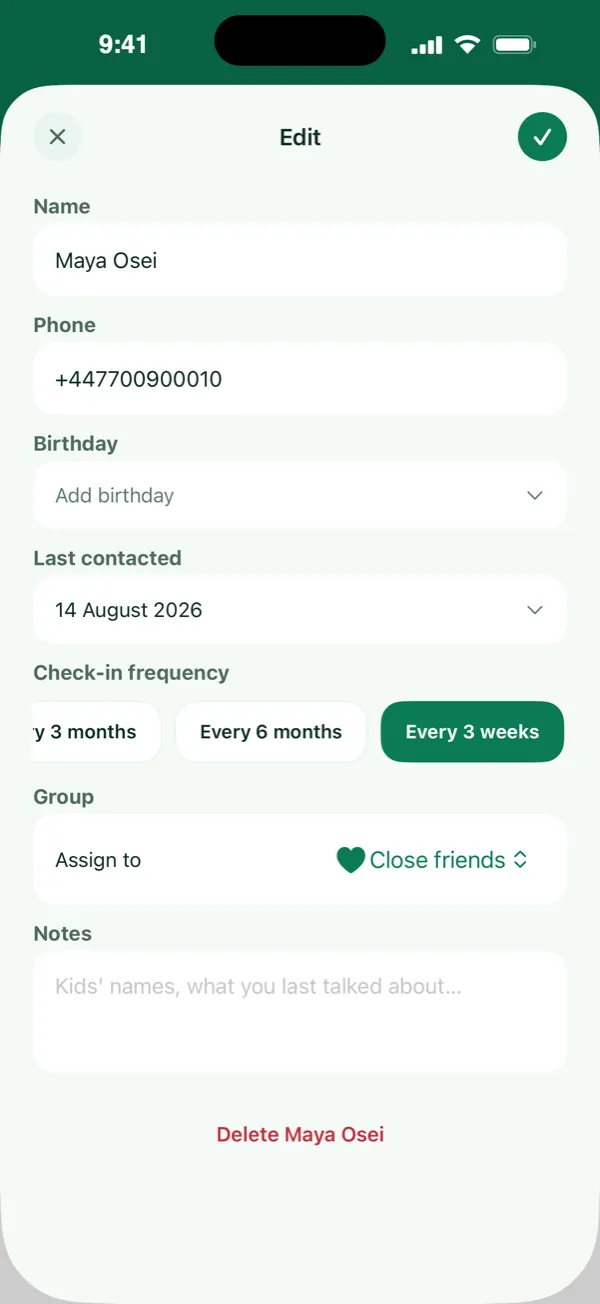
Choose your frequency
Set how often to catch up with each person, from every day to once a year. Kit reminds you when it's time.
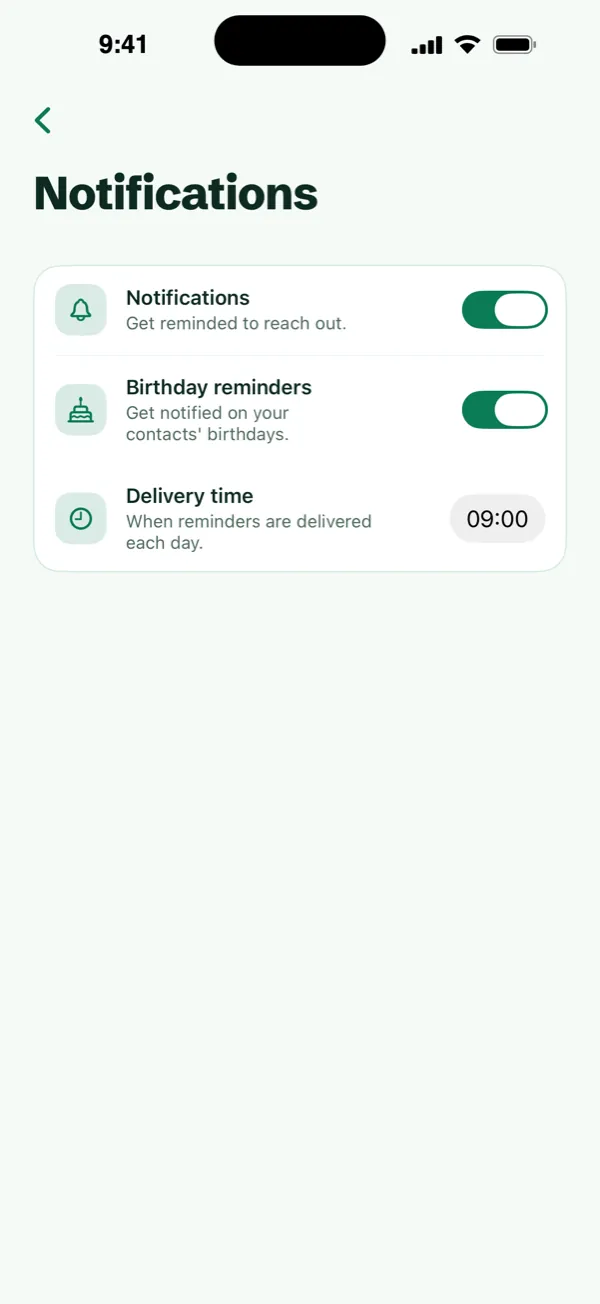
 Kit
KitIt's Priya Shah's birthday today!
Never miss a birthday
A reminder on the day, at the time you choose.
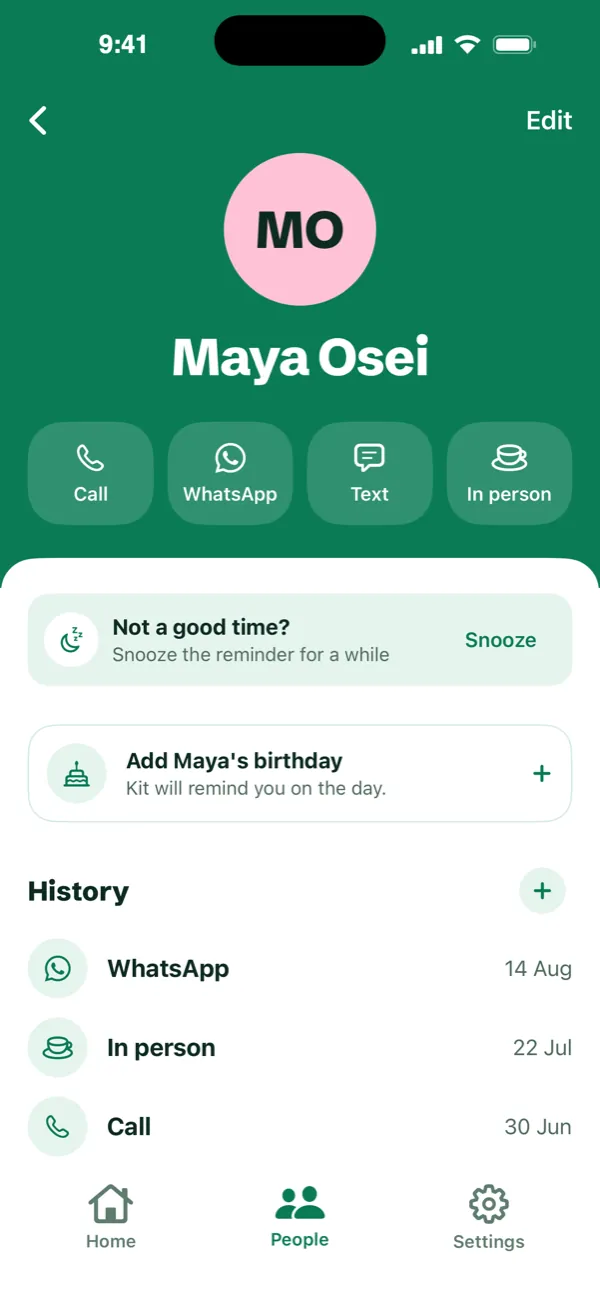
Snooze a reminder for later
Busy right now? Snooze for a week, two weeks or a month, and Kit reminds you again then.
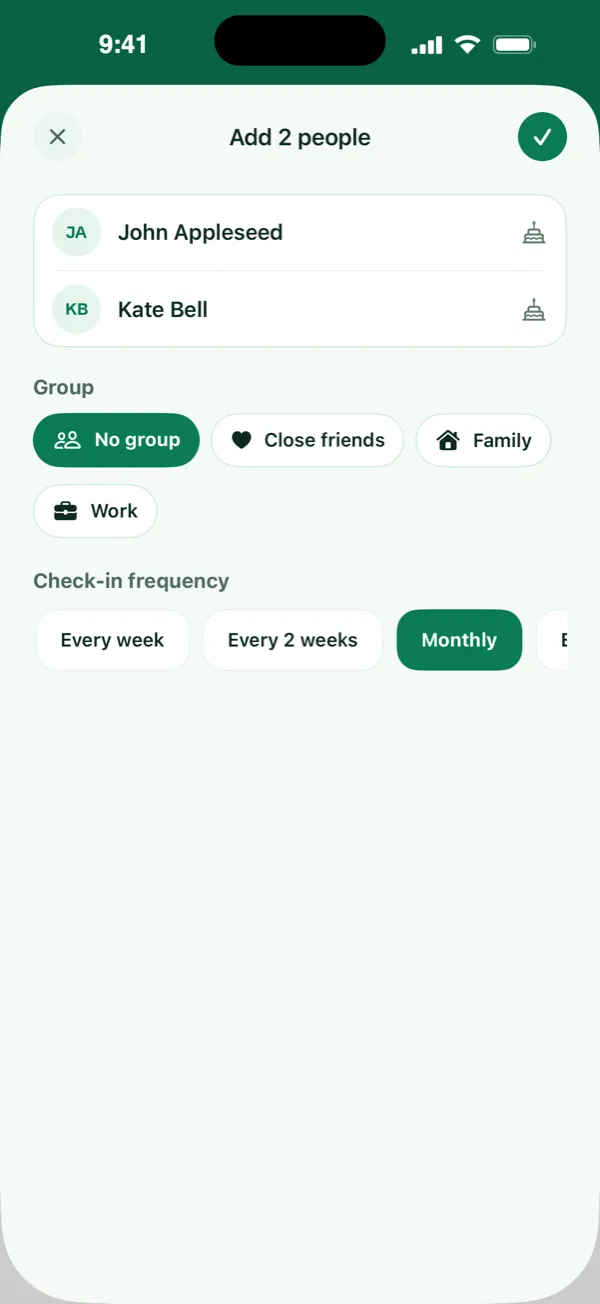
Add people from your contacts
Pick one person or several at once. Kit only sees the people you choose.
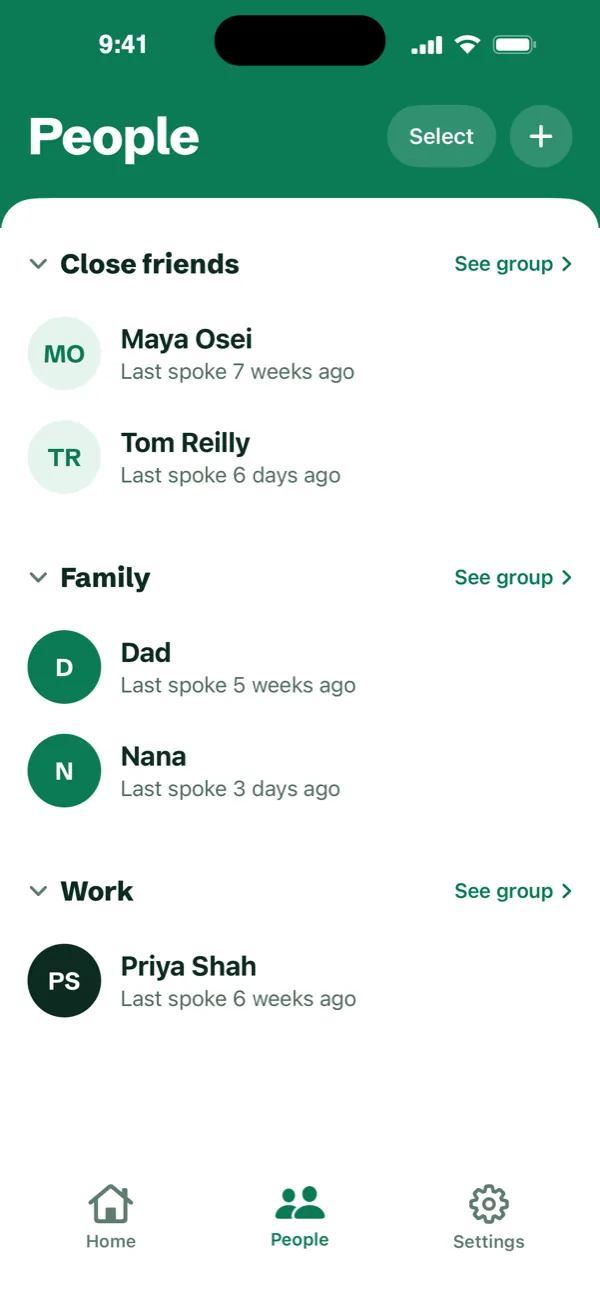
Sort people into groups
Friends, Family, Work, or whatever makes sense to you.
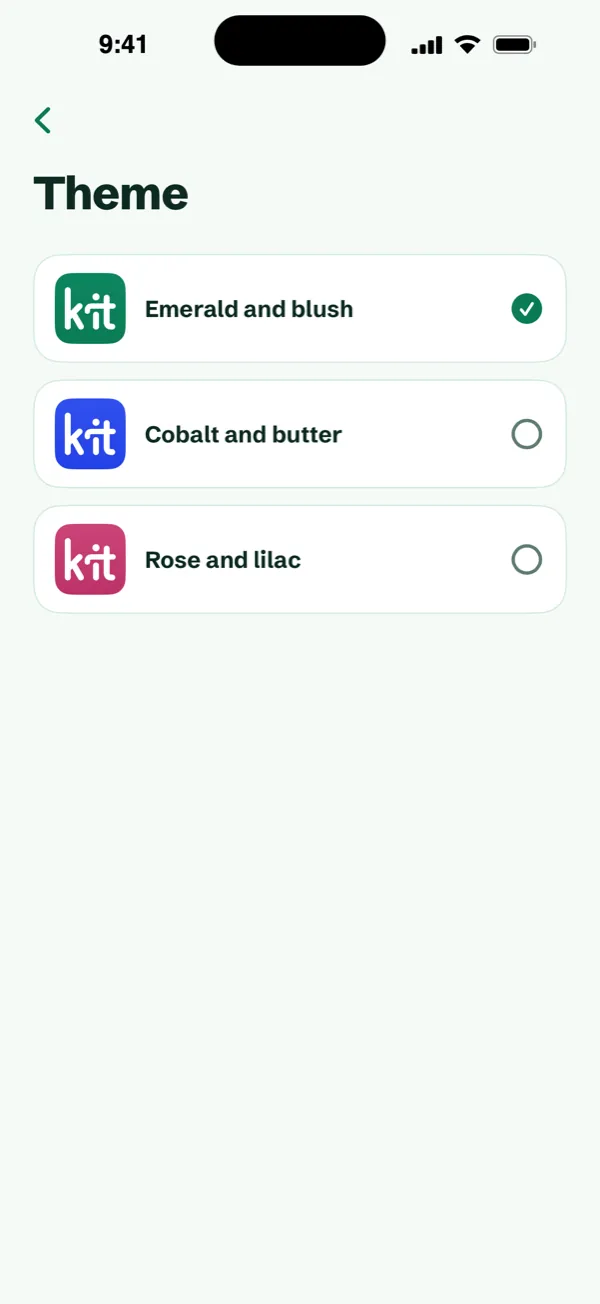
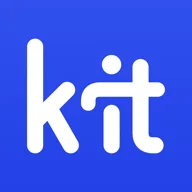
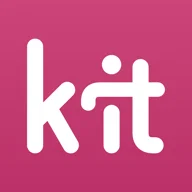
Pick your colour
Green, blue or rose, and the app icon changes to match.
We respect your privacy
- Stored on your phone. Everything you add is stored on your iPhone. With Pro, it also syncs through your own private iCloud, which only you can open.
- Only who you choose. Pick the people you want from your contacts. Kit never sees the rest.
- Kit never reads your messages. It can't see your messages or call history, and nothing goes out until you send it yourself.
Pricing
Basic
Free
- Up to 10 people and 3 groups
- Reminders and birthday nudges
- One-tap call, text and WhatsApp
- Notes, snooze and catch-up history
Pro
£9.99
Lifetime licence
- Unlimited people and groups
- iCloud sync across your devices
- Home screen widgets
- Pay once, with no subscription and nothing to cancel
Questions
How does Kit remind me to keep in touch?
You choose how often you'd like to catch up with each person, from every day to once a year. When that time has passed, Kit sends a gentle notification at the time you pick and puts them at the top of Home. Birthdays get a reminder on the day.
Does Kit read my messages?
No. Kit can't see your messages or your call history. When you tap Call, WhatsApp or Text, it opens that app and logs the catch-up for you. Everything you add is stored on your phone.
Is Kit free?
Yes, for up to 10 people and 3 groups. Pro unlocks unlimited people and groups, iCloud sync and home screen widgets with a lifetime licence: you pay once, and there's no subscription.
Do I need an account?
No. There's no Kit account and no sign-in. Your people stay on your iPhone, and in your own private iCloud if you have Pro.
Can Kit see my contacts?
Only the people you pick. Kit uses Apple's contact picker, so it never reads your whole address book and doesn't ask for access to it.
Will it message people for me?
Never. Kit writes an opener you can change, and nothing is sent until you send it yourself.
Does it work without signal?
Yes, Kit works fully offline. Calls, texts and WhatsApp messages open in the apps you already use.
Is Kit a personal CRM?
Not really. Personal CRMs are built for networking and sales. Kit is for friends and family: no pipelines and no account, just a nudge when it's been a while and a hello that's ready to send.
Is it on Android?
Not at the moment. Kit is for iPhone, on iOS 18 or later.
Need help?
Questions or problems? Email us at support@heykit.app and we'll get back to you.